Cables and chargers seem to breed when I am not looking. Every few months, I find another tangled web in a drawer, and I catch myself wondering how such chaos can sneak into my home. Over the years, though, I have learned ways to bring a bit of order to this mess. If you are faced with unused USB cords, phone chargers from long-lost devices, or a growing pile of extension cables, it is possible to find a system that works for you. Below I will share what has made a difference for me and how you can achieve a cable and charger setup that is tidy, simple, and easy to maintain.
Why is it so easy for cables and chargers to create clutter?
I see several reasons why cables and chargers are quick to build up and cause clutter. First, new devices often come with new cables, but the old ones stay even when we upgrade. Second, cables are not all the same: USB-C, micro-USB, Lightning, HDMI, and charging bricks of every size. They look similar, but their uses are completely different. Finally, they tend to be tossed into drawers, boxes, or bags without much thought.
Small cords can create big messes.
The biggest challenge with cables is that they easily become a tangled, frustrating pile when not stored with intention. This makes finding what I need harder and even risks breaking delicate connectors or wires.
Step one: Sort before storing
From my experience, the first step should always be sorting. There is no sense in storing broken, duplicate, or outdated items. Here is the way I do it:
- Empty out your cable stash. Dump out every cable, adapter, and charger you own. Pile them all on a table or the floor.
- Test if they still work. Even chargers and cables can stop working right. I test each one with a device before putting it back.
- Match devices and cables. If you still have the device, keep the cable. If not, let it go.
- Remove old, frayed, or unknown cables. If you do not know what it goes to and you have not needed it for six months, you can probably let it go.
- Recycle electronics responsibly. Many areas have electronics recycling programs. Do not throw cables into regular trash if you have another option.
I always notice I have more than I think, and I usually find at least one mystery cable that is not needed anymore.
How to group and label cables and chargers
Once I cut down my collection, grouping comes next. Cables for daily devices should be at hand, but out-of-season items, like travel adapters, can be tucked away until needed.
- Sort by use: Cables for phones, tablets, laptops, entertainment devices, and other electronics should be grouped logically.
- Bundle extras: I keep one or two spares for each kind of cable, just in case. The rest are donated or recycled.
- Label clearly: Sticky labels, tape, or pre-made cable tags work. I just use a piece of masking tape and a pen.
Every labeled cable saves me minutes later.
With labeling, I never have to puzzle over which black cord goes to my e-reader or my headphones.
Simple and creative ways to store cables
Storing cables does not have to cost much, and it can be as simple as using things you already have at home. Here are storage solutions that have saved me from needless frustration:
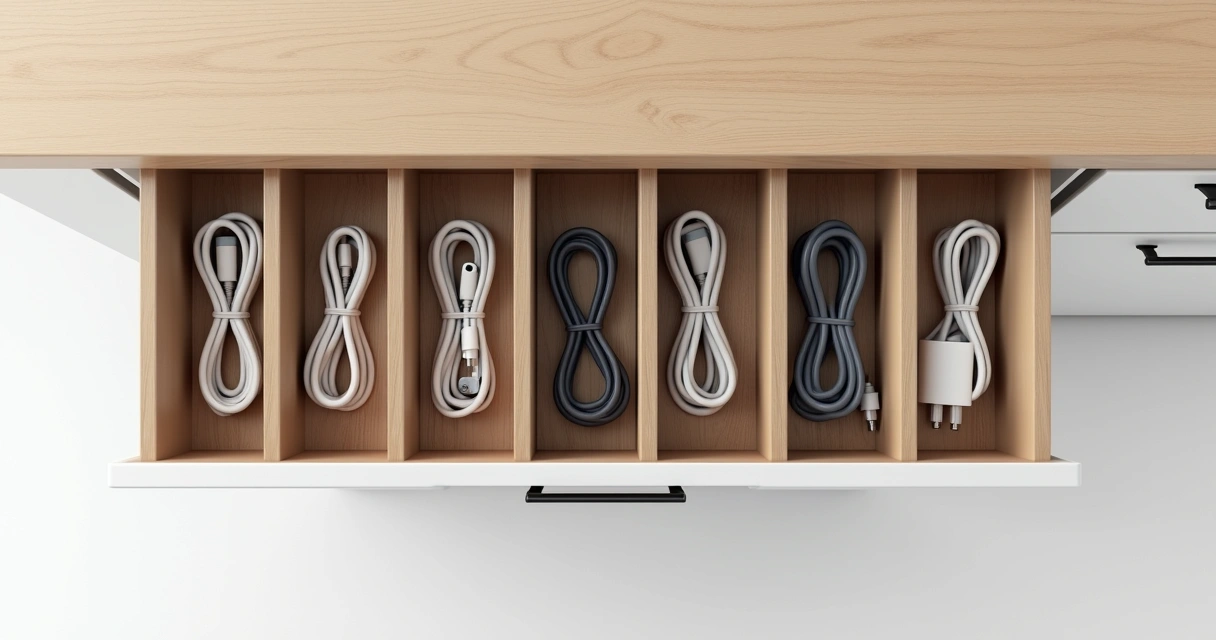
Drawer dividers and small boxes
I use small containers, zippered pouches, or cardboard tubes to keep cables separate in my drawers. I have found household items like:
- Empty toilet paper rolls to coil and hold individual cables
- Tic Tac or similar small containers for earbuds or charging adapters
- Silicone cable ties to keep cords from rewinding
Dividers made for kitchen utensils or office supplies work very well. Every category can have its own spot, and it is easy to see what I have.
Pegboard or wall storage
If you want cables hidden but not forgotten, a pegboard or wall-mounted system can be helpful. I use hooks and small baskets on a wall or behind a door to hang longer cables and power strips. It keeps everything off my floor and easy to reach.
Bags, cases, and travel organizers
Travel cases made for electronics keep everything together. I have a small case where I store daily-use chargers, headphones, and adapters. When I travel or need to grab chargers quickly, all I do is pick up the bag and go.
Out of sight is fine—unless you forget where you put it.
How to keep wires from getting tangled
Tangles are the main enemy of cable storage. I take these steps to make sure even my smallest wires do not end up as a knotted mess:
- Wrap each cable separately: I fold cables loosely in a figure-eight or coil and secure with a twist tie, Velcro, or a rubber band.
- Avoid tight coils: Winding too tightly can damage wires inside, so I make bigger loops.
- Keep like-with-like: Charging cables in one area, headphones in another—this stops hunting for a single cord in a pile of many types.
I have noticed that the few minutes I take to do this pays off every time I need a cable.
Where is the best place to store chargers and cables?
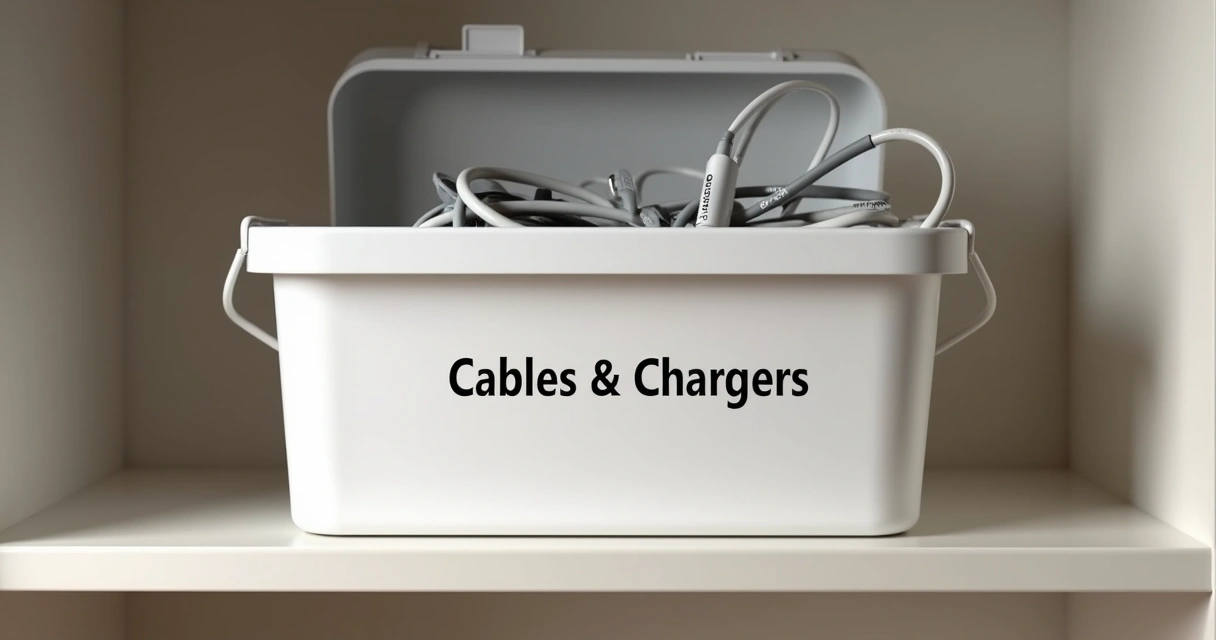
In my experience, location matters. I store daily-use chargers near outlets I use most: beside the bed, in the living room, and at the desk. Extras go in an “electronics drawer” with sections, so family members can find what they need without making a mess. Longer cables or less-used items go in labeled bins or boxes in a closet.
If space is tight, I use vertical storage. Small hangers on closet doors or sticky hooks behind desks can hold many cables neatly.
How often should I go through my cable collection?
If you bring technology into your home, I suggest making cable sorting a regular habit. I try to check my cable and charger collection twice a year or whenever I get a new device. This helps me avoid clutter and makes sure I only keep what I use.
Routine sorting keeps unused items from piling up and helps me remember what I already have. It also makes donating extras or recycling defective cords part of my routine, which saves space and keeps drawers clean.
Final thoughts: simple steps make a big difference
Taming charger and cable clutter comes down to mindful sorting, grouping, and easy storage ideas. It is rarely as complicated as it seems. Once you build a habit of labeling, coiling, and putting away, it becomes almost automatic—and future you will thank you each time you need a cable in a hurry.
I used to dread searching for cords and adapters. Now, I know exactly where each type lives, and I almost never have to buy a replacement because I cannot find the right charger. Even a small amount of attention can change a pile of wires into something that makes life smoother.
Order brings peace. Even to our gadgets.